•1 min read•from PetaPixel
How to Turn a Flat, Noisy RAW Into a Finished Milky Way Photograph
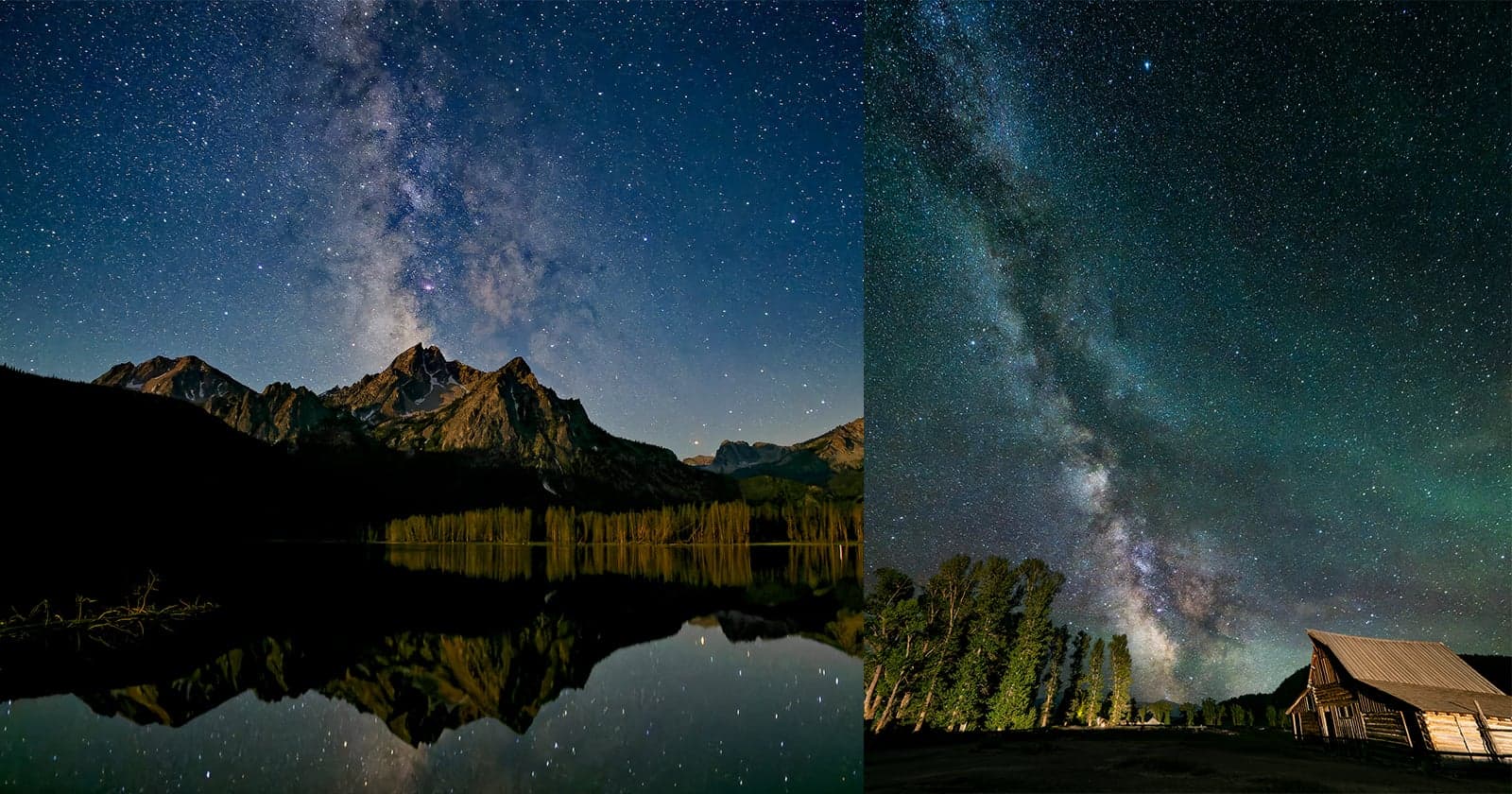
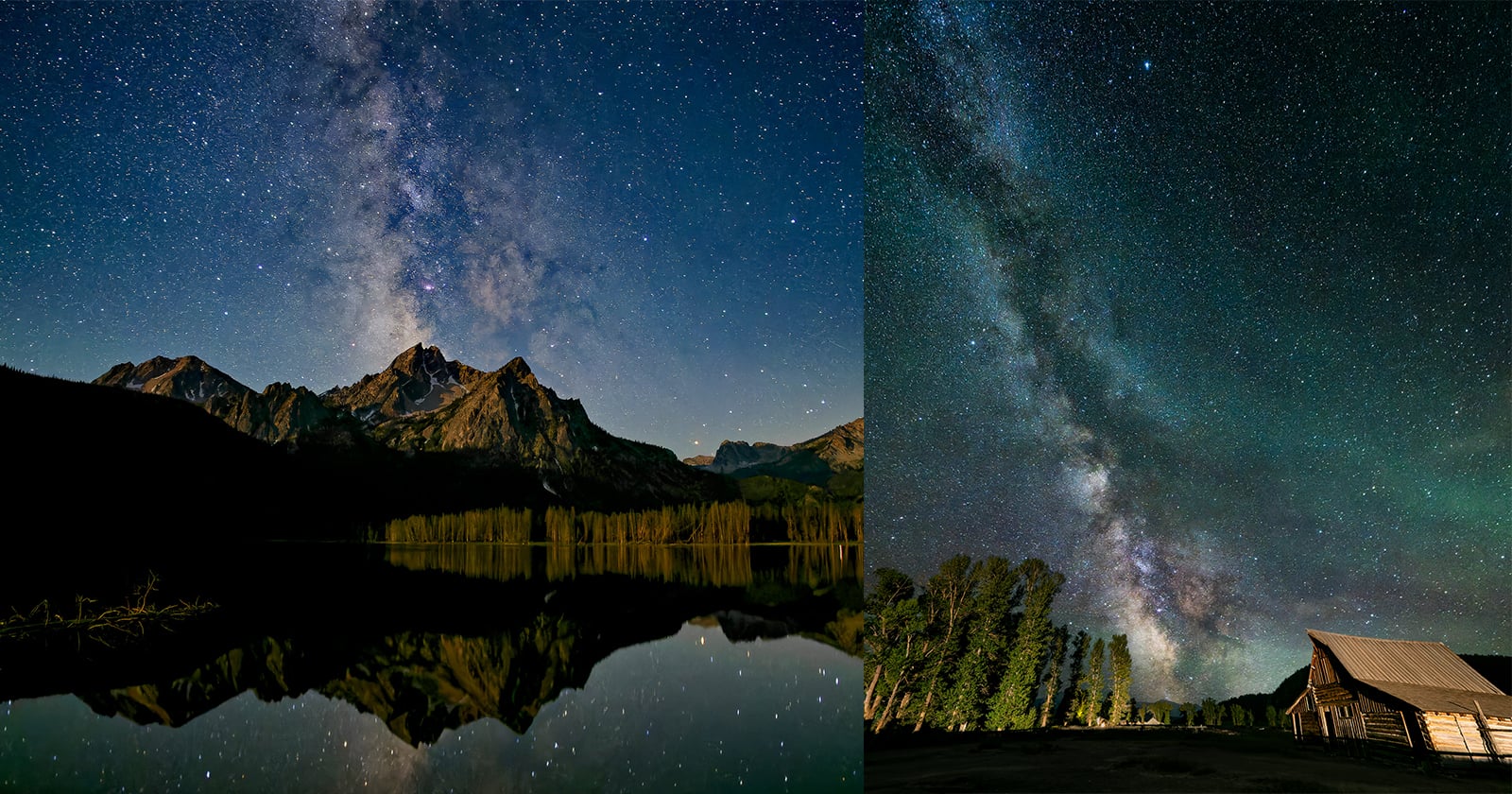
The Milky Way that arched over the Tetons looked nothing like the RAW file that came home. At two in the morning, on Matt Suess' camera, it glowed. On his computer the next day it was flat and gray, the core buried in noise, the color drained out. Every photographer who has pointed a camera at the night sky knows that gap between the glow on the camera and the flat file the next morning. Getting that glow back is the real work.
Want to read more?
Check out the full article on the original site